See a real InspectorData report
These are real reports built in InspectorData, exactly as the client receives them. Each one opens in a new tab.
360° Photos
Add 360° photos to any report. Your clients can spin around the room or yard, right inside the report.
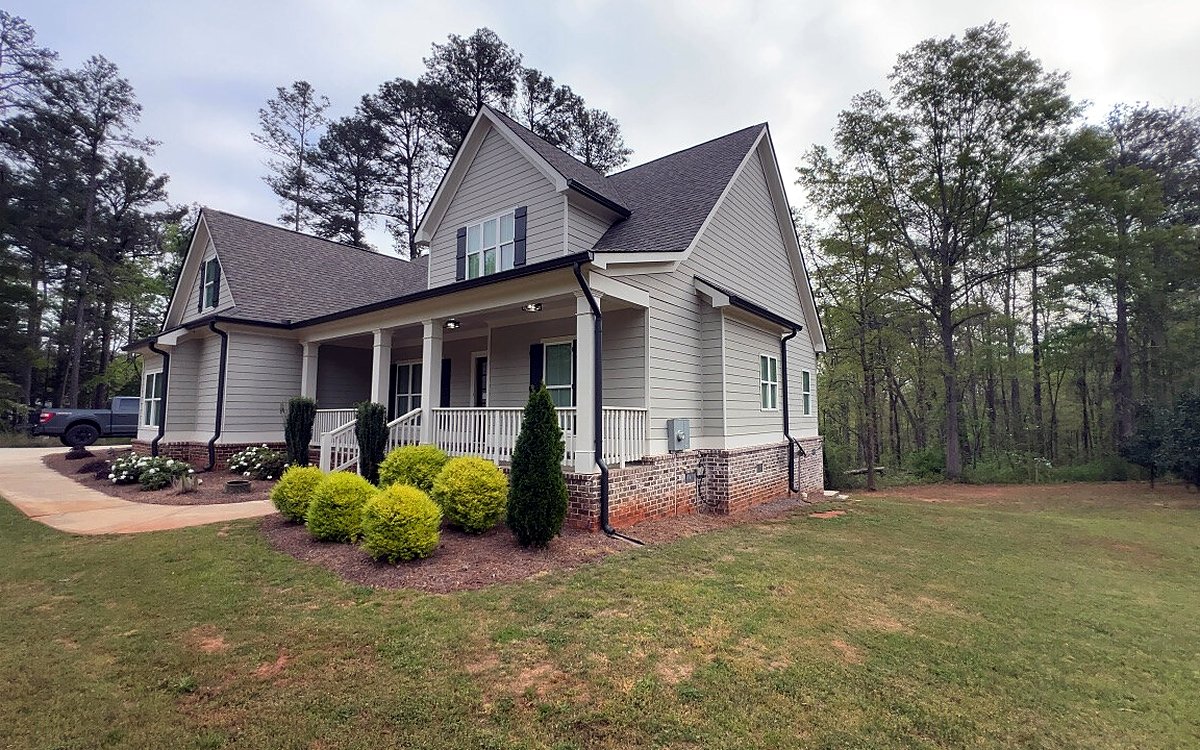
Sample Report 1
A full home inspection report with photos, AI-written comments and a summary of findings.
View Report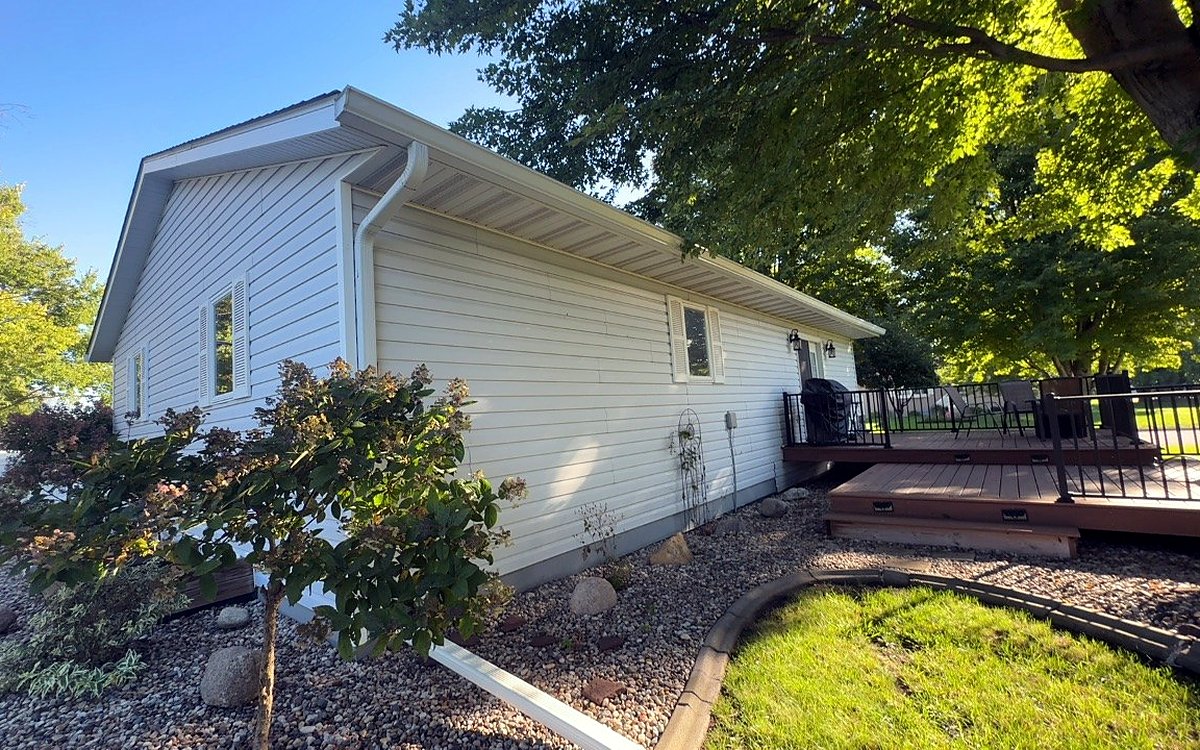
Sample Report 2
A second full home inspection report showing a different property, template and set of findings.
View Report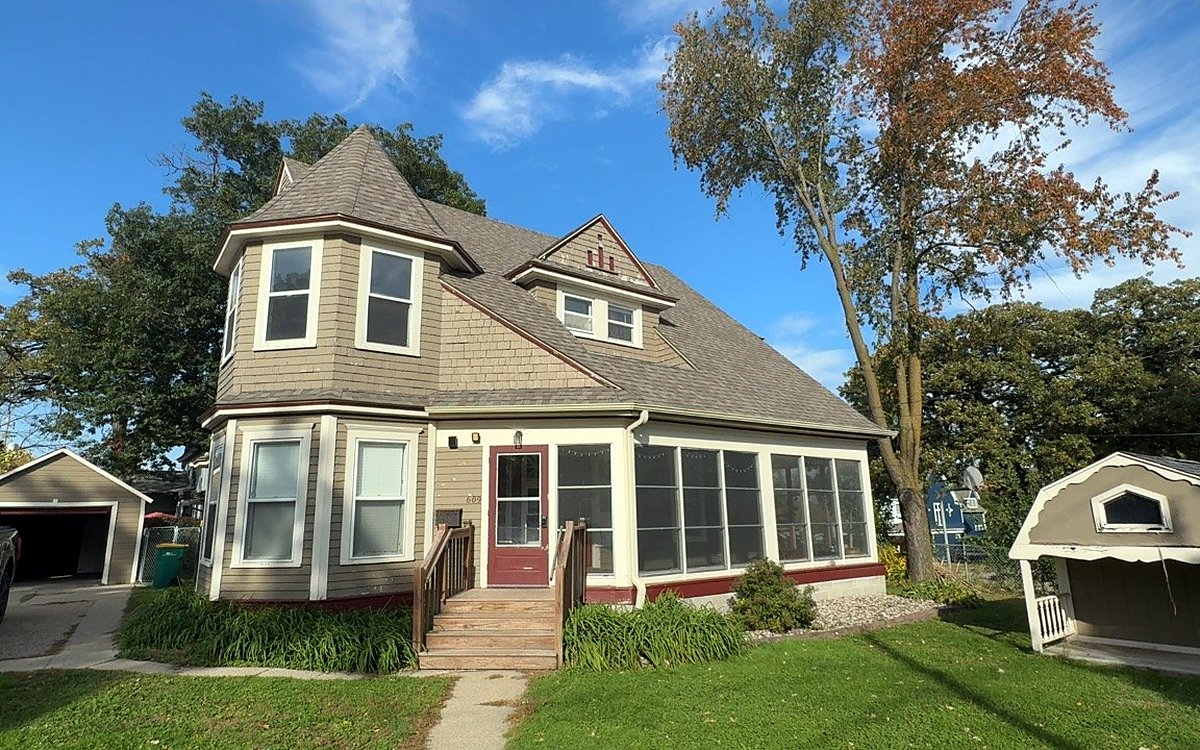
Older Two-Storey Home
A century-old house with a sunroom, detached garage and shed, written in the classic report layout.
View Report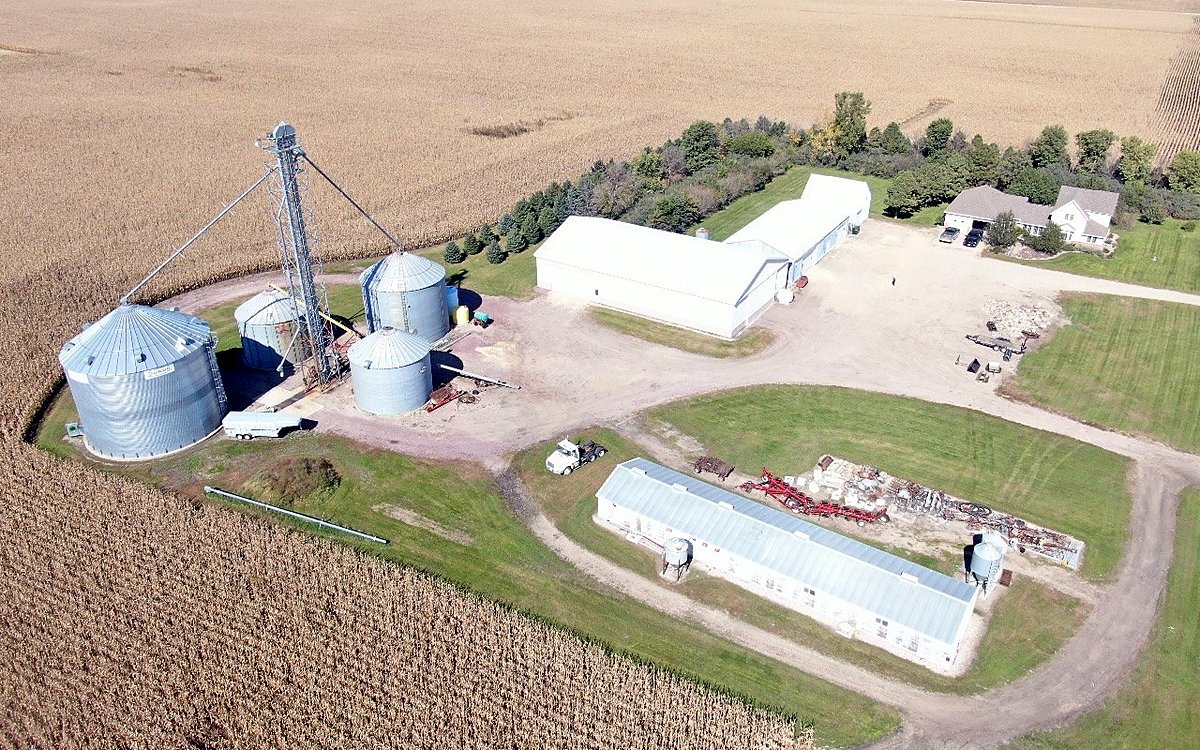
Farm Property
A rural property with outbuildings, grain bins and a well water test, from the drone view down.
View Report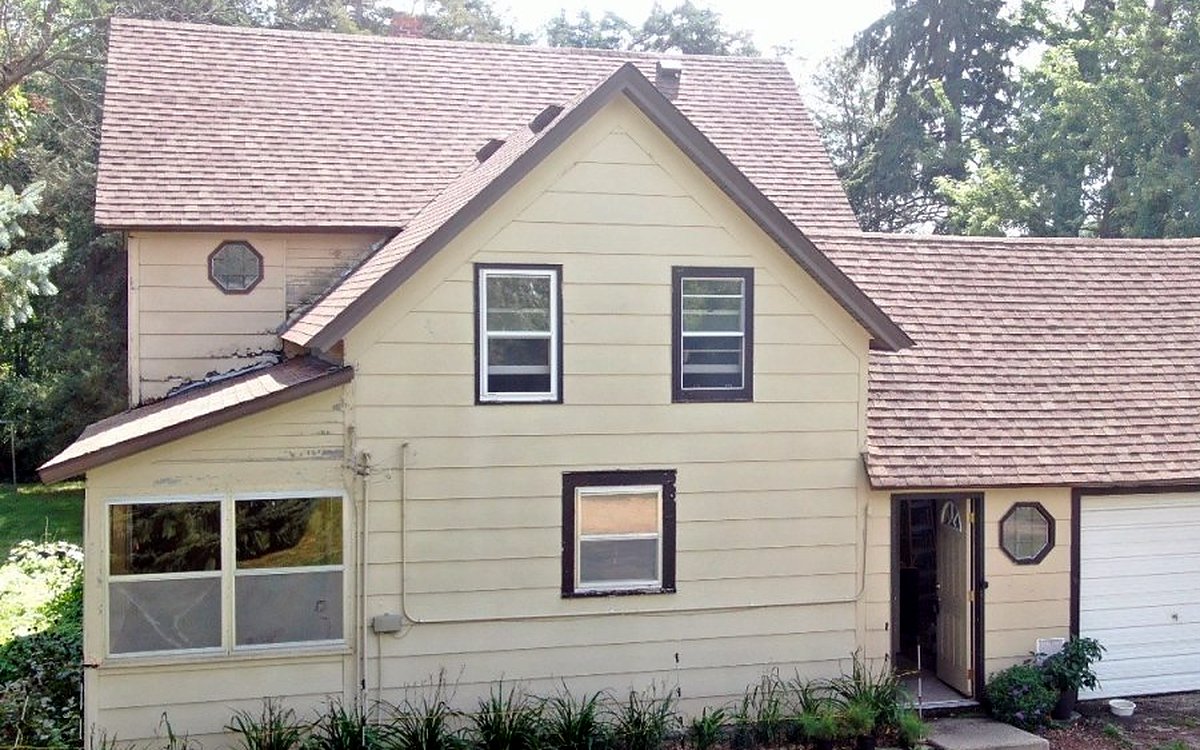
1.5-Storey Home with Barn
A family home with porch, deck, attached garage and a barn, room by room.
View Report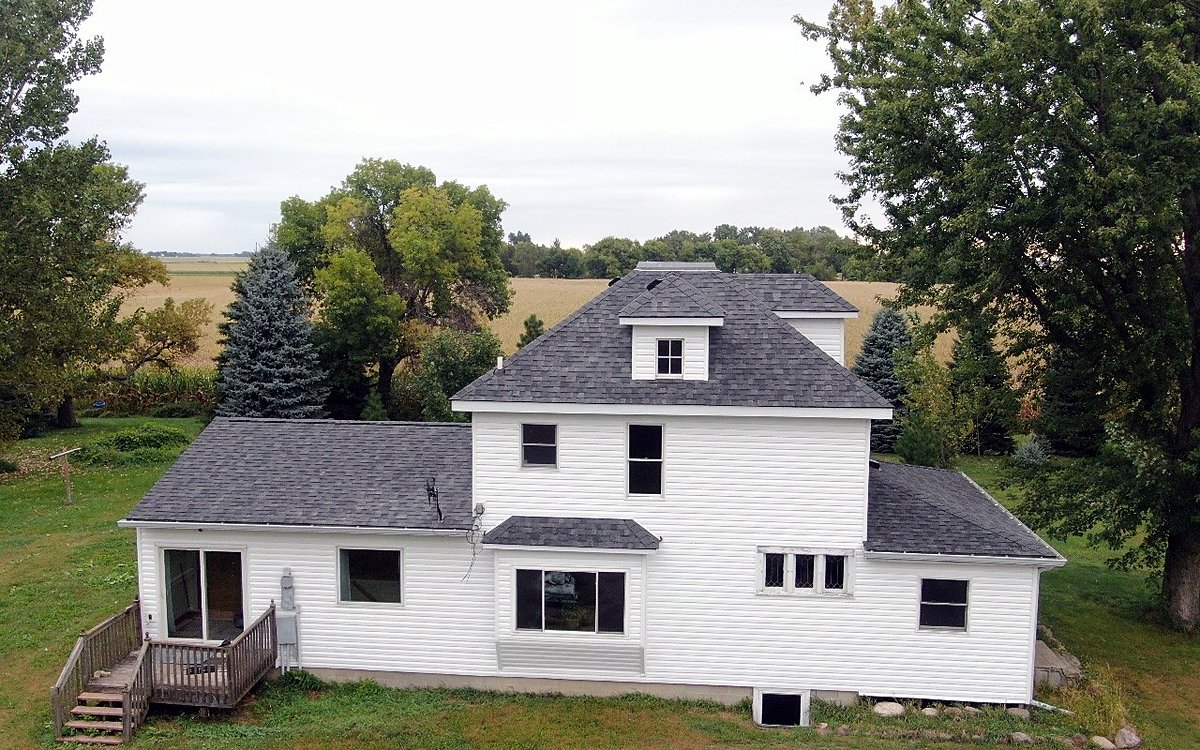
Rural Farmhouse
A country home with an outdoor wood boiler, electric boiler and a pole shed.
View Report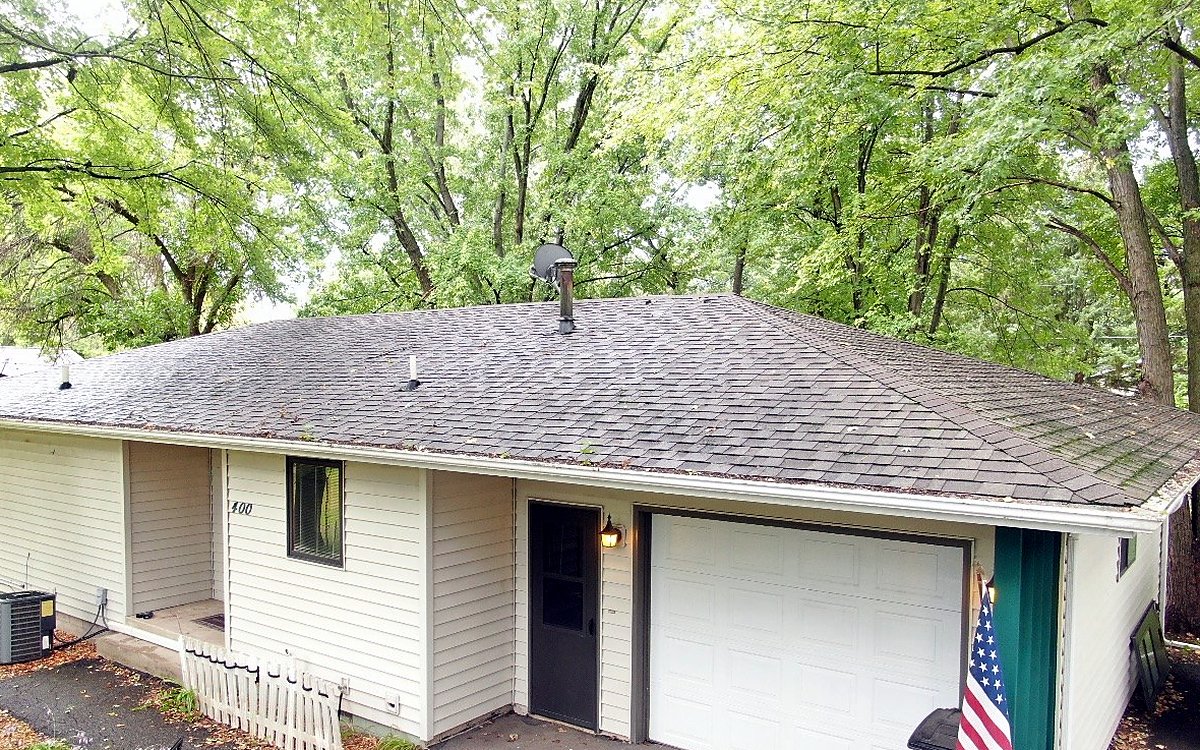
Rambler with Garage
A single-storey home with an attached garage, inside and out, with General Info and Limitations in each section.
View Report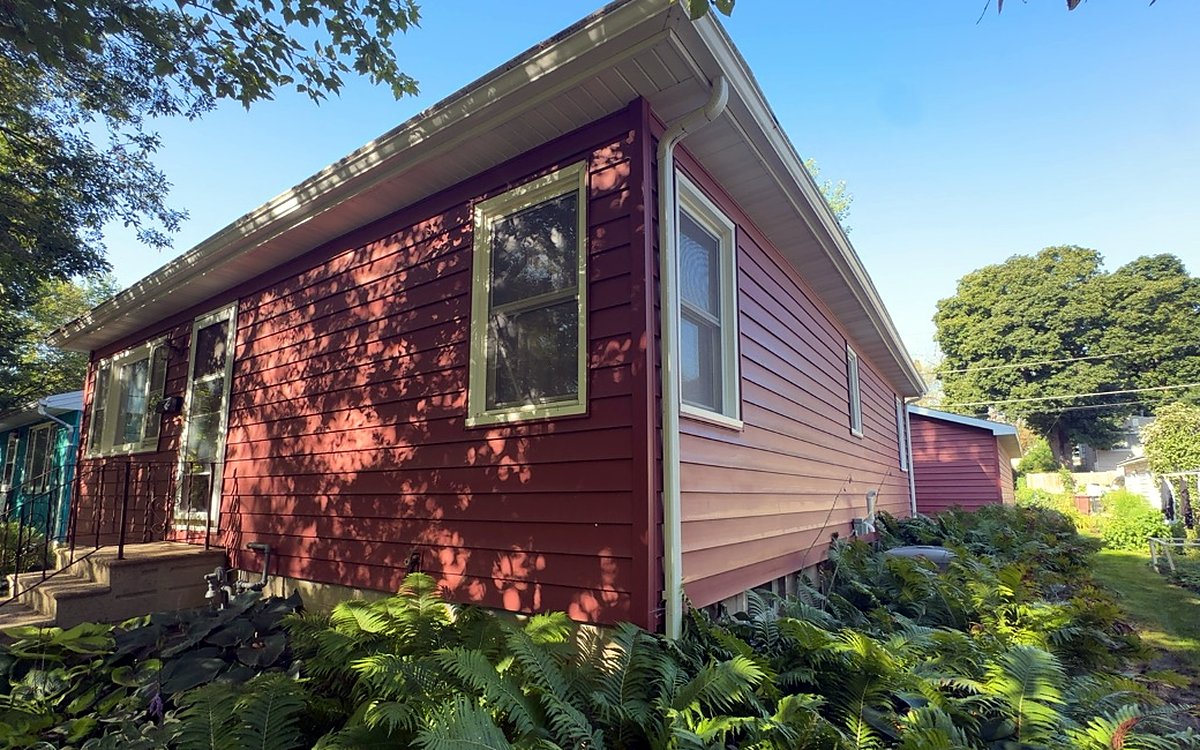
Older City Home
An older house in town, with date-stamped photos throughout.
View ReportPick the tabs your clients see
Turn on category tabs in Step 4 and every page of the inspection sections gets coloured tabs. Tap one to jump straight to that category, and the tab for the section you're in is ringed. Same report, four looks:

Side Tabs with Icons
A coloured tab for each category down the right edge, with a small picture and the name.
View PDF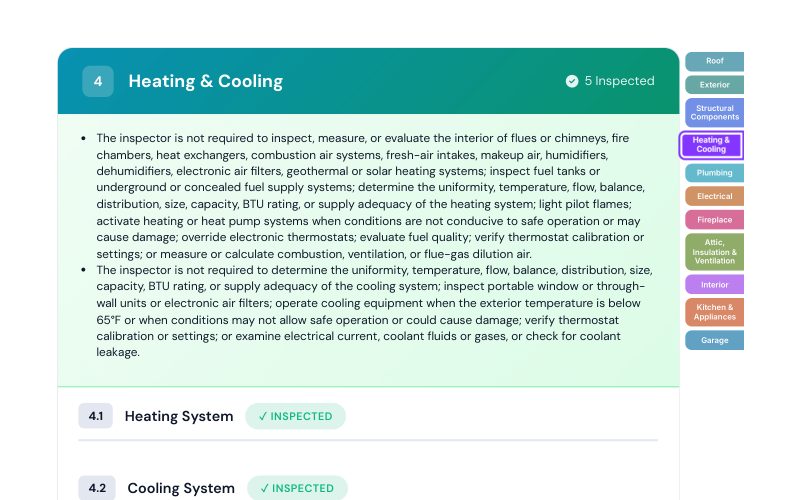
Side Tabs, Names Only
The same binder tabs, just the category names. The cleanest look.
View PDF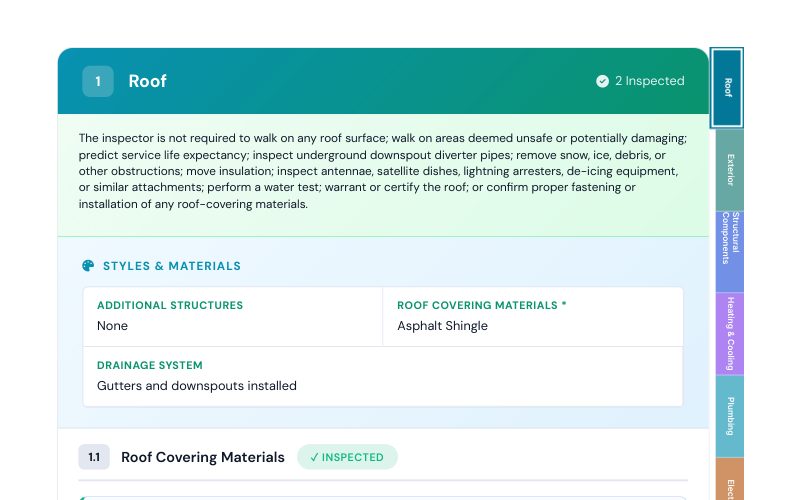
Binder Spine
The whole right edge split into tall tabs, with the names running sideways. Room for long names.
View PDF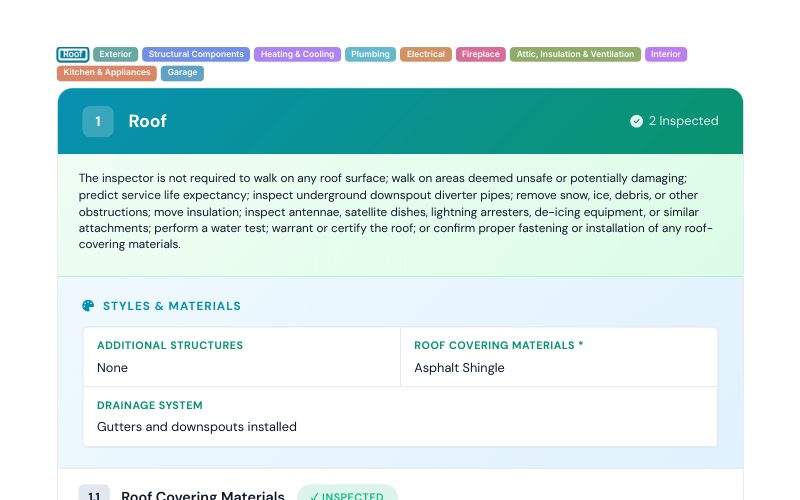
Top Bar
One row of category chips across the top of every page in the inspection sections.
View PDFReal reports written in InspectorData. Names, contact details and addresses are replaced with sample details.